Views and templates
Identify unused or unplaced views, legends and view templates, with checks on their usage.

ADC — AD Cleaner — brings together cleanup tasks that usually require several manual checks. It analyses dependencies before deletion to avoid removing elements that are still in use.
Identify unused or unplaced views, legends and view templates, with checks on their usage.
Analyse filters, project parameters and shared parameters, including their use in schedules, families or rules.
Identify unused types, grid and level types, and groups, with options to ungroup or delete as appropriate.
Review usage before acting, with dedicated transactions and Revit’s detected purgeable elements where available.
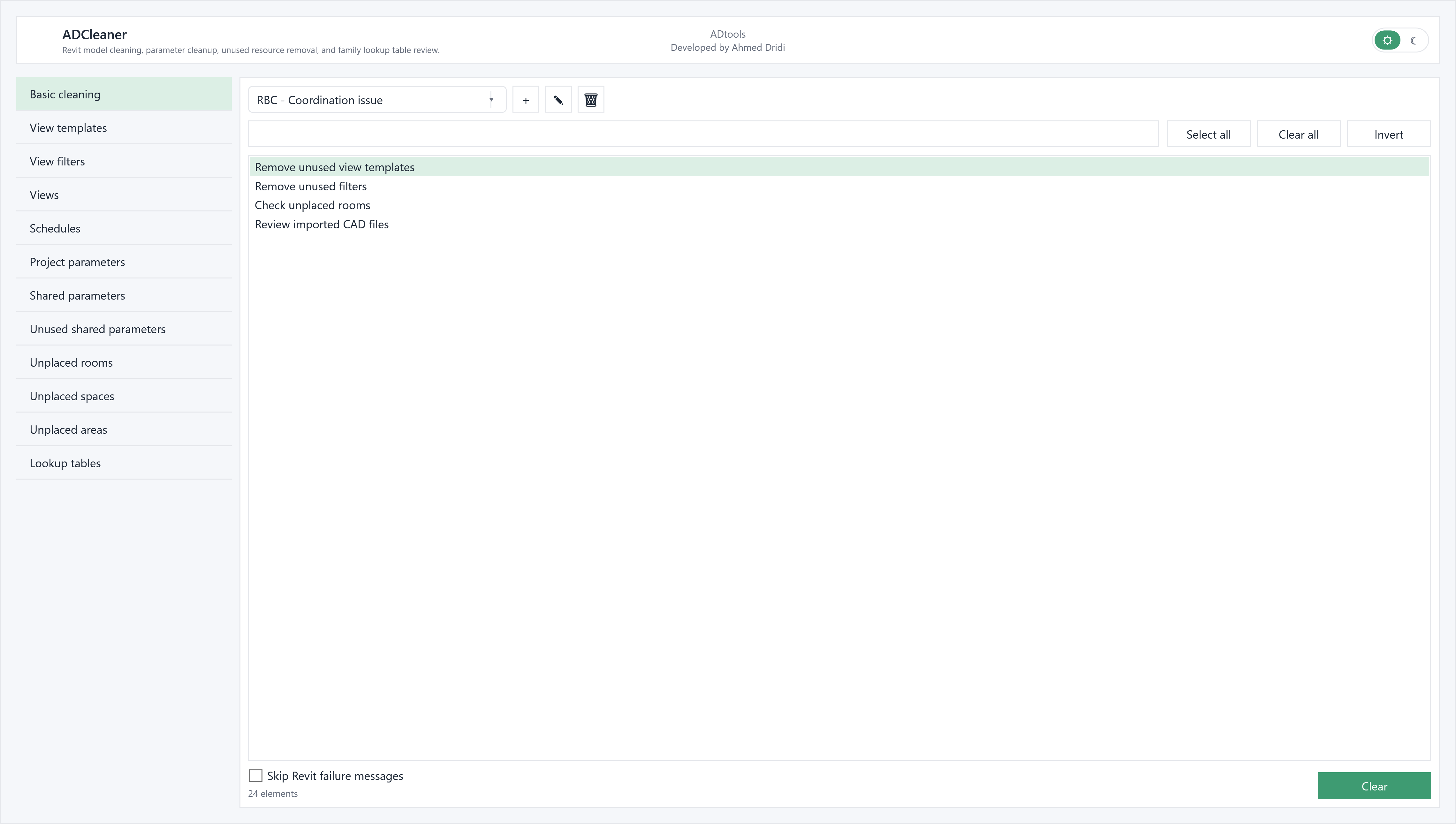
Choose the appropriate panel: basic cleanup, templates, filters, views, schedules, parameters or unplaced objects. Search commands distinguish used resources from unused ones.
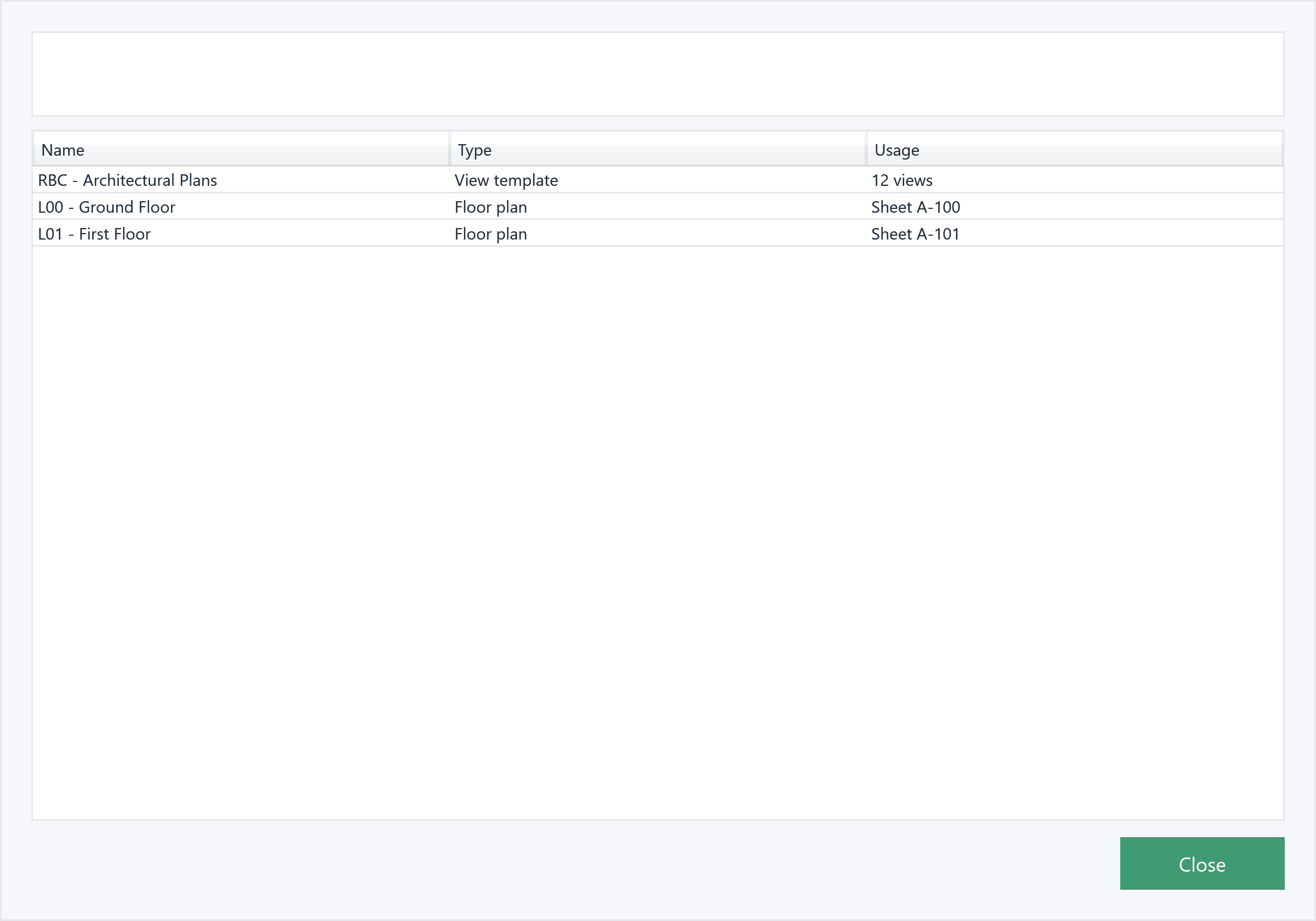
Check which views use a template or filter and search for parameter usage. Result windows list the elements found before anything is deleted.
Select items to remove after checking them. The active view is protected; lookup tables concern the Family Editor. Some searches in large models may take time.
Before sharing a model, start with unused templates: examine their usage, select those to remove, then move on to views and remaining resources.
In the modelTemplates, filters and views in the Riverside project.
In the extensionCheck usage before removing unused elements.
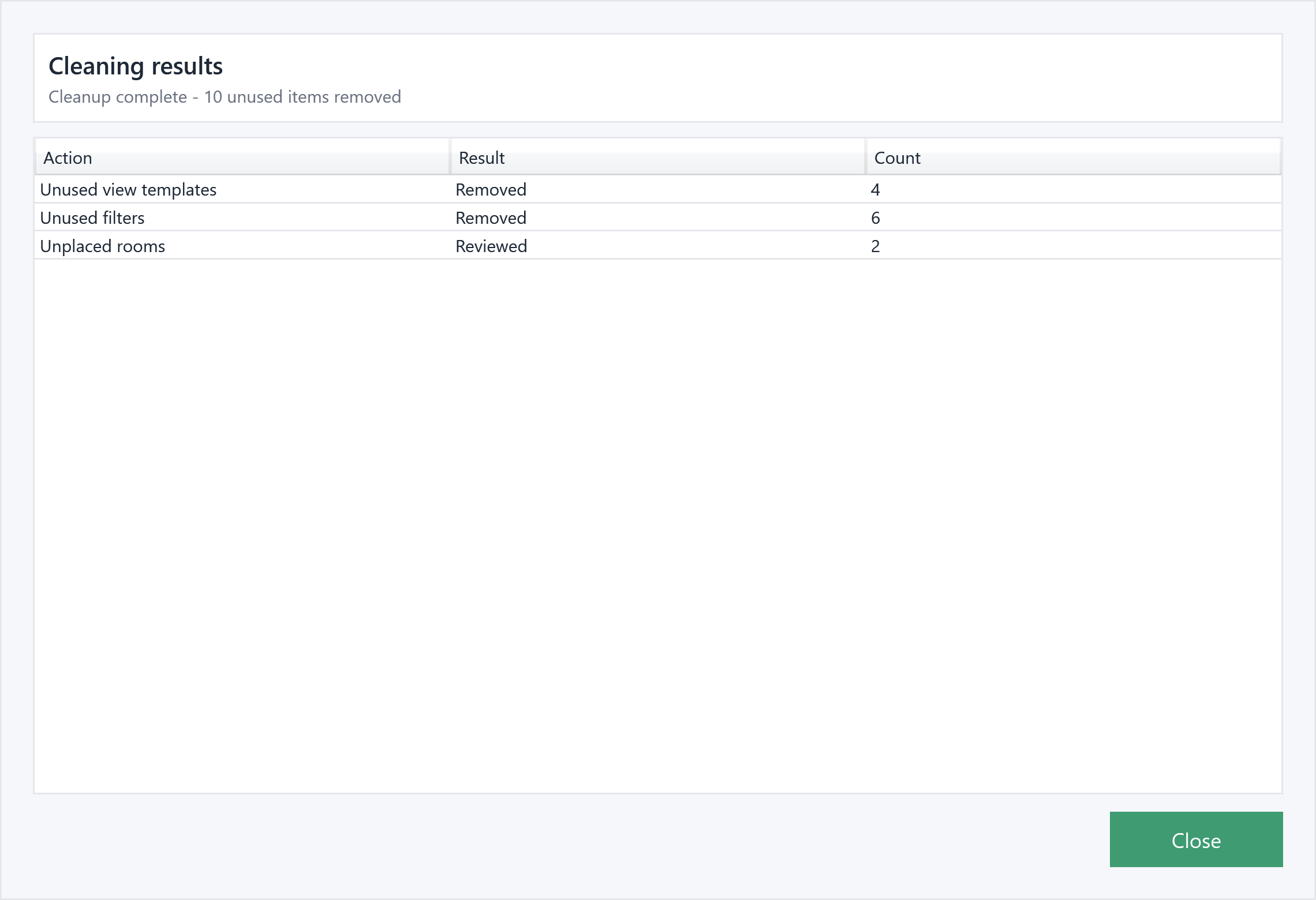
Check the resultFictional results: 4 unused templates and 6 unused filters removed; 2 unplaced rooms reviewed.
Illustrative example: the windows are populated with a fictional English-language Revit project, “Riverside Business Centre”.