Selection
Use the existing Revit selection or choose elements from the active view.

Sum analyses selected elements and gathers compatible numeric parameters. Choose a parameter to total and obtain a result formatted in project units.
Use the existing Revit selection or choose elements from the active view.
Detect measurable parameters shared by or available in the selection.
Convert from internal Revit units to the units configured in the project.
Instant totals with controlled formatting and rounding for quick reading.
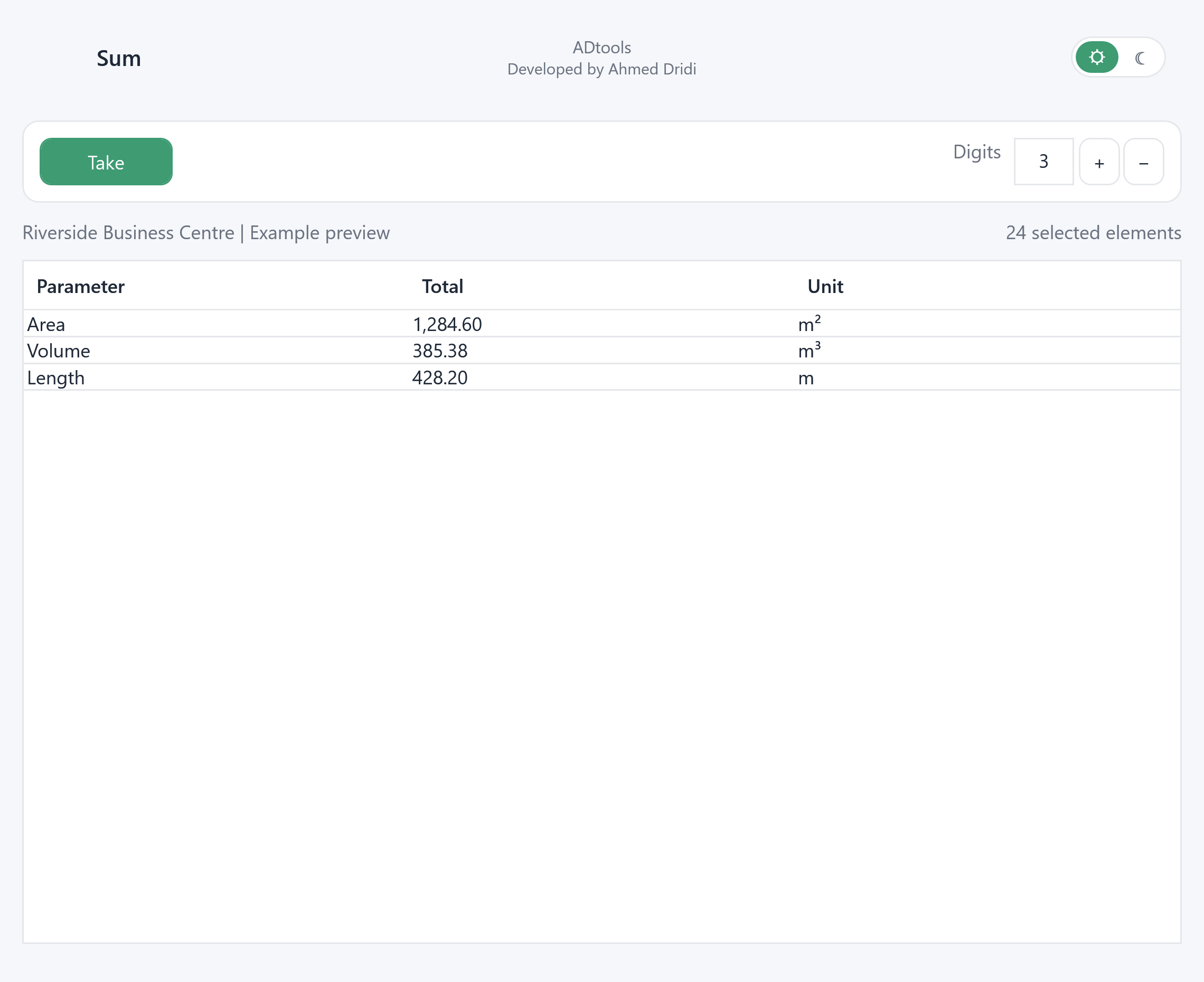
Click Take, then select elements in the Revit view. The tool gathers available numeric parameters to display their totals.
The table separates parameter name, calculated value and unit. Digits controls the number of decimal places for easier reading.
Make another selection suited to the check and read its totals. This is a quick quantity check without preparing a dedicated schedule.
Select elements with an area or length parameter, then read the sum and unit in the grid for a quick check.
In the model24 selected elements in the fictional model.
In the extensionUse Take and choose two decimal places.
Check the resultExample totals: 1,284.60 m², 385.38 m³ and 428.20 m, depending on available parameters.
Illustrative example: the windows are populated with a fictional English-language Revit project, “Riverside Business Centre”.