
Keep graphic settings consistent across views.
VIEWS

CopyVG
WHAT THE TOOL DOES
Copy all Visibility/Graphics sections, or selected sections, from a view or template to multiple views. Native guarded transfer protects unrelated view properties; successful targets are detached from their templates. Review the report and Custom link settings.
A CONCRETE USE CASE
A need. A clear workflow.
Choose the V/G sections to transfer and inspect the target-view results.
KEY FEATURES
Source, options, targets
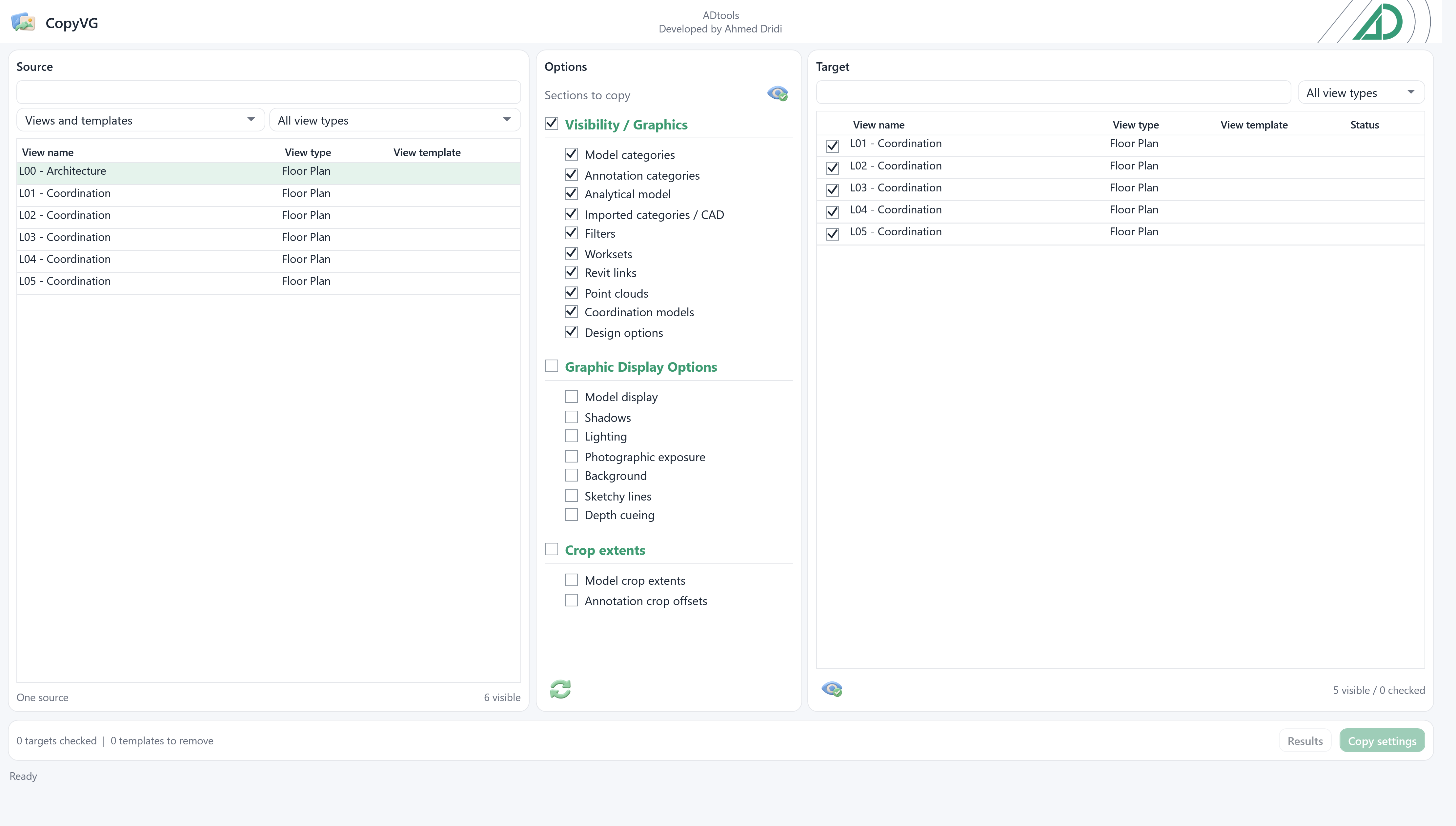
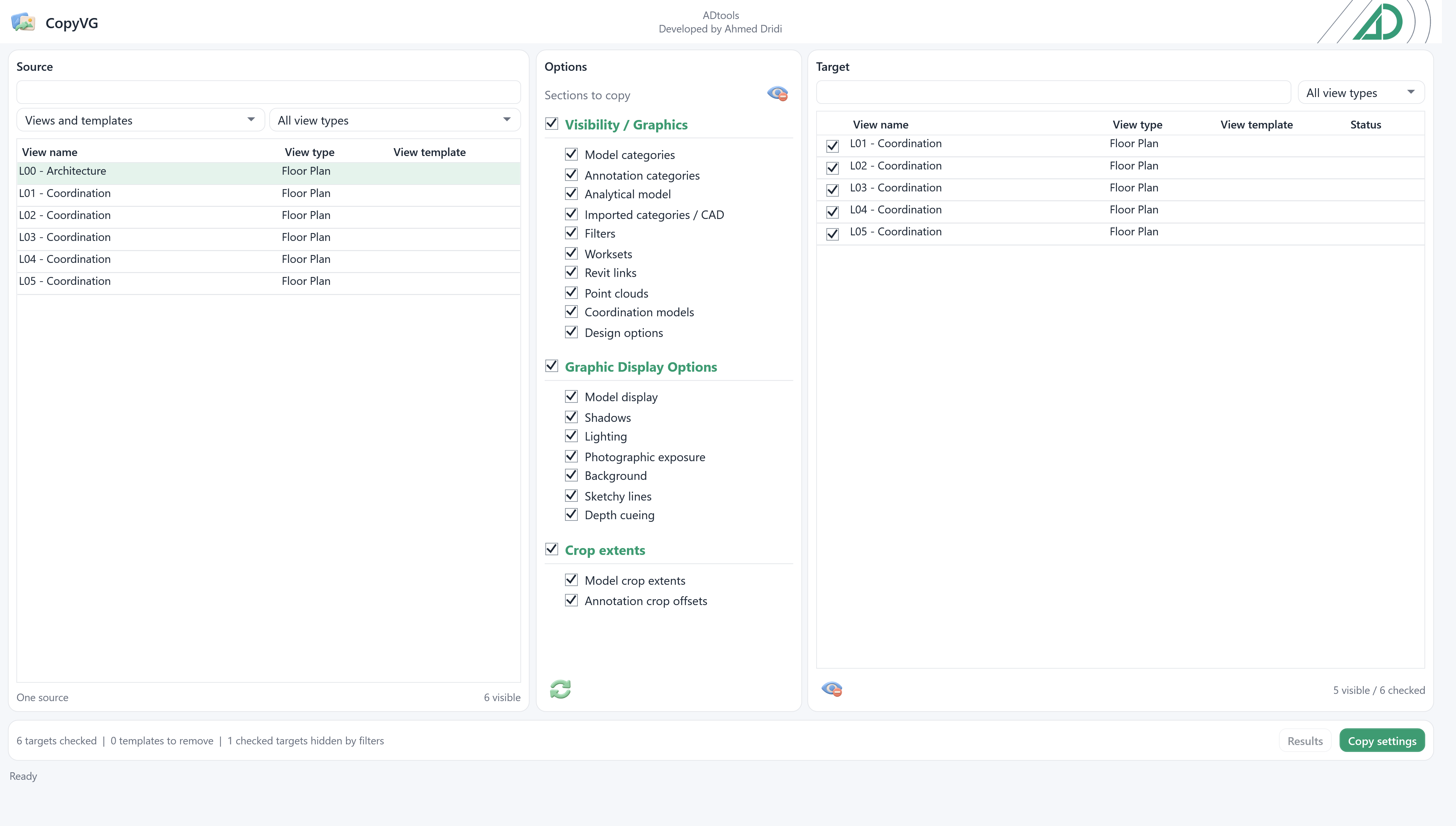
Choose a source, Visibility/Graphics or Graphic Display Options, applicable groups and target views. Detaching a target template requires explicit confirmation. Results distinguish successful, partial, skipped and failed targets.
Full or partial transfer
Transfer all V/G sections, or select model categories, annotations, filters, CAD imports, links, worksets and other compatible sections.
View selection
Search and filter views by type. One source supplies several checked targets, with a result status for each transfer.
Template handling
Removing assigned templates from target views requires a batch confirmation. Template definitions stay intact; a target where every section fails keeps its template assignment.
Reporting and Undo
Review copied, skipped and inapplicable sections. One Revit Undo restores the completed batch, including removed template assignments. Individual element overrides and permanent hiding are not copied.
IN PRACTICE
From setup to result.
Choose the source
Select A - Coordination Plan as the source and check L01, L02 and L03 as target views.
Define the transfer
Choose partial mode and check model categories, annotation categories and filters.
Copy and inspect
Run Copy V/G, confirm template removal when needed, then inspect the report and custom link settings.
Riverside Office · fictional example
Three coordination plans receive the same category, annotation and filter settings. Other sections remain outside the partial transfer.
The interface, in detail.
Current source-interface views populated with fictional project data. Previews were rendered outside Revit.
ADTOOLS IN YOUR OFFICE
Request a demo See ADtools on your projects.
A video demo built around your own cases. Get in touch to set up a call.